
WISEflow-login is the standard authentication system to WISEflow. It is possible to combine this with other login methods.
Information about the WISEflow-login method
When the standard login method is activated on the licence, users are then able to access it when logging in to WISEflow. To do this, click on Search for your institution and select your organisation.
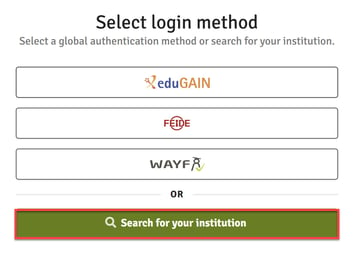
Alternatively, it is possible to go direct to your institution's URL e.g. dk.wiseflow.net/uniwise or uk.wiseflow.net/uniwise.
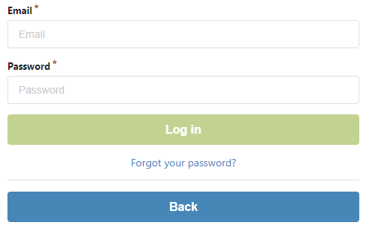
When entering the login page, users are asked for username and password for their WISEflow account.
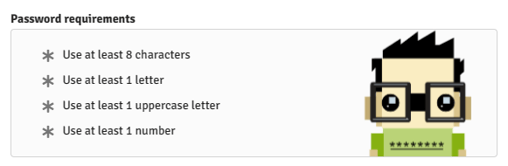
There are following requirements to create the password:
To activate the login method on the licence, the following needs to be set up:
- The licence in WISEflow must be set up to require unique email addresses on all users. This is a licence setting done by the Customer Support or when a new licence is created.
- Customer Support needs to activate the method on the licence.